
Engraving Templates: Finding the right contour
Templates can be useful tools if you want to laser engrave multiple parts in one process to save additional time.
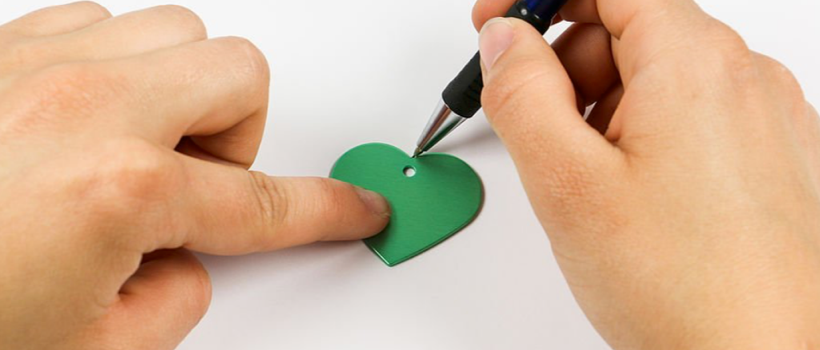
The transfer of the workpiece contours into your graphics program is a key factor in creating templates. There are several methods:
- Measure: If the outline of your workpiece is a simple, geometric shape, measure the shape and trace it in your graphics program.
- Scanning the workpiece: If your workpiece consists of complex angles and radii, scan the workpiece, then import the scanned file into your graphics program and simply trace the contours.
- Trace and scan: If your workpiece is too bulky for your scanner, you can transfer the contours with a pen on a piece of paper and then scan it. When you import the scanned image into your graphics program, you can try to automatically convert the image using flash-vectorization. However, you should trace the contours yourself, as a large number of unnecessary nodes are embedded in the contour during the automatic conversion.
-Josh Stephens, Trotec Laser
Authors


OUR DIGITAL PARTNERS
RELATED ARTICLES

Every holiday order needs a place to go
Prepare your shop to keep its promises.

Canvas, fine art & photo papers: Matching the media to the project
A practical look at the three big categories & what each does…

5 questions with Rachel Newman
Rachel Newman joined L.A.T. Apparel in March 2024 as chief commercial officer…

The holiday rush should not be a surprise
Christmas has been remarkably consistent about showing up in December. The fourth…