
5 Tips for Drawing Grayscale Relief Carving Graphics
Learn about creating graphics for grayscale relief carving
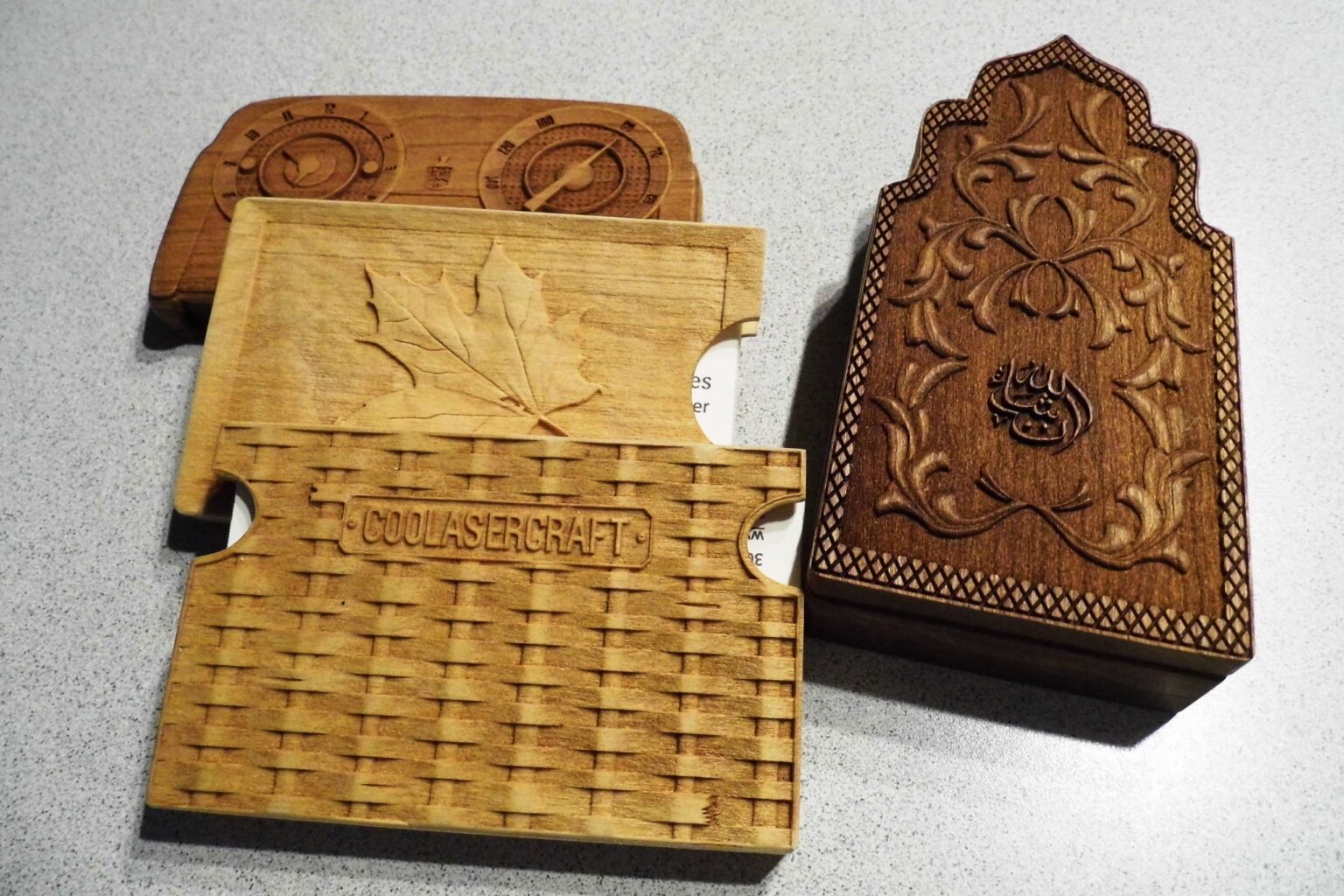
- Save, save, save. Drawing grayscale relief carving graphics is time-consuming. You don’t want to lose a work in progress with an unexpected shutdown.
- Archive. When you get a good graphic, save it in a relief carving graphics folder. You’ll reuse much of your work.
- Symmetry saves time. For symmetrical items, you may only have to do half or an even smaller portion. Then you can copy, paste, and mirror. For example, once you have one detailed bird wing drawn, you can copy, paste, mirror, and reposition for the other wing.
- Control the depth of cut by changing the brightness value of an entire graphic or its parts.
- Avoid using RGB white in the graphic. The laser will not fire in those white areas and they will be annoyingly evident in the finished carving.
Authors


OUR DIGITAL PARTNERS
RELATED ARTICLES

Every holiday order needs a place to go
Prepare your shop to keep its promises.

Canvas, fine art & photo papers: Matching the media to the project
A practical look at the three big categories & what each does…
5 questions with Rachel Newman
Rachel Newman joined L.A.T. Apparel in March 2024 as chief commercial officer…

The holiday rush should not be a surprise
Christmas has been remarkably consistent about showing up in December. The fourth…